Guides

Bartender Alternative for Mac: 7 Apps to Try

Looking for a Bartender alternative? These seven apps approach menu bar clutter in different ways. Some manage the icons already there, while others give you a new place for the controls you use most.

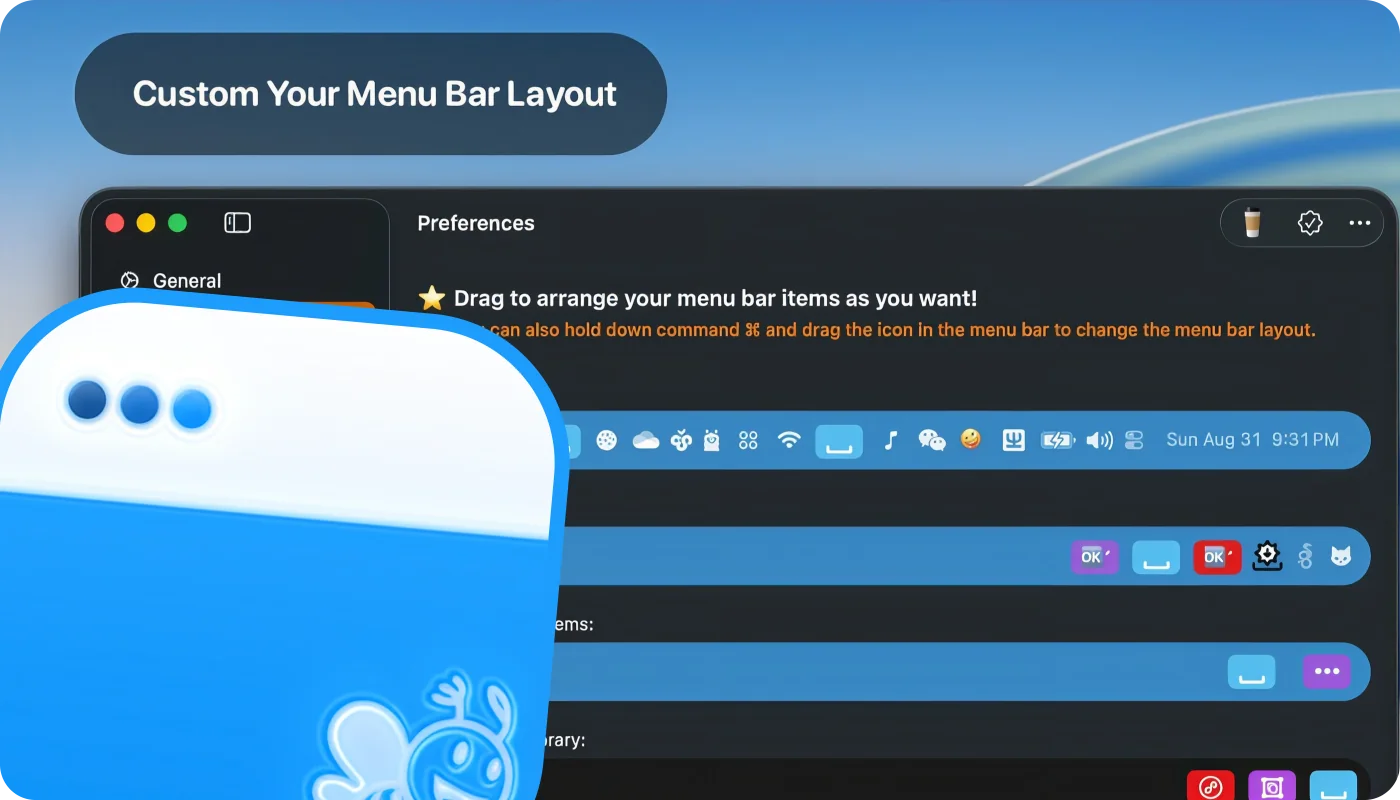
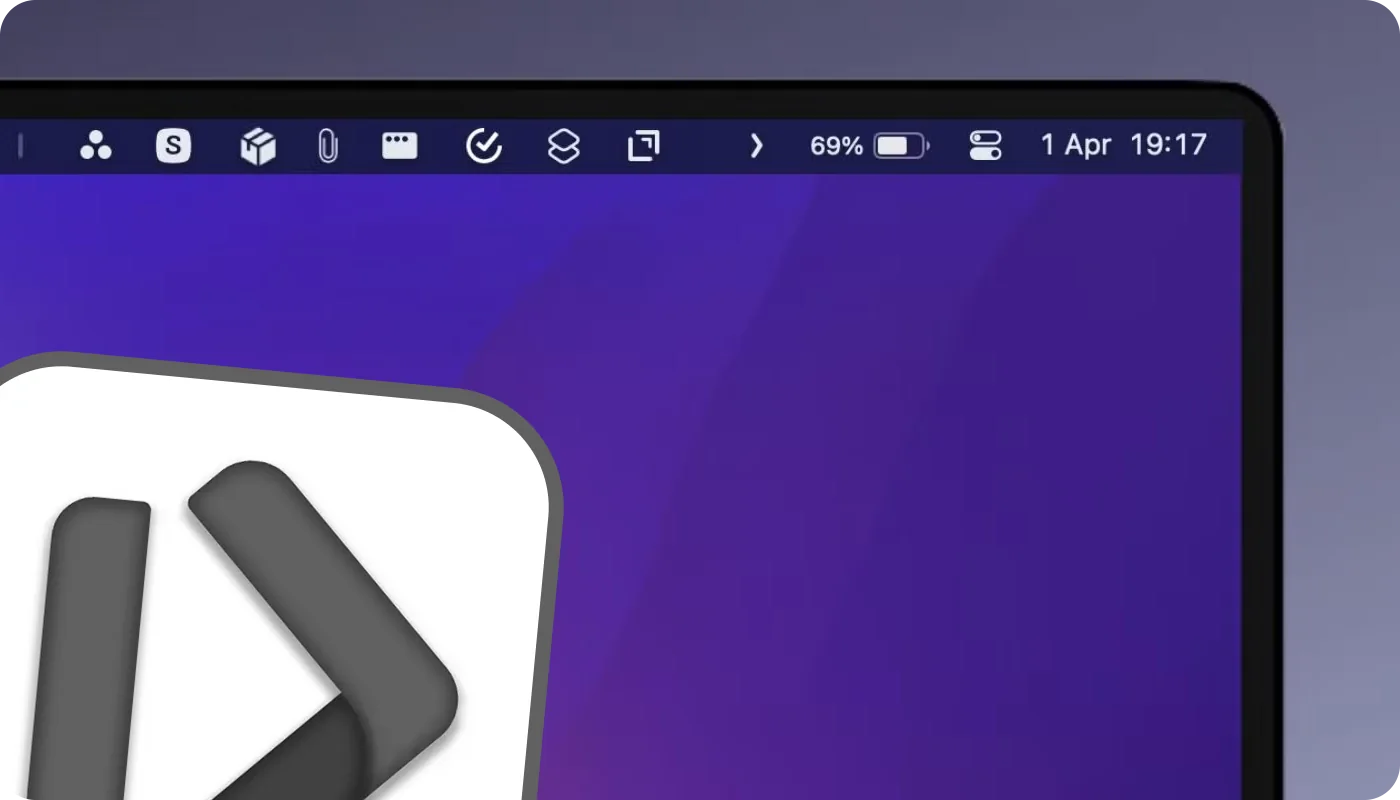
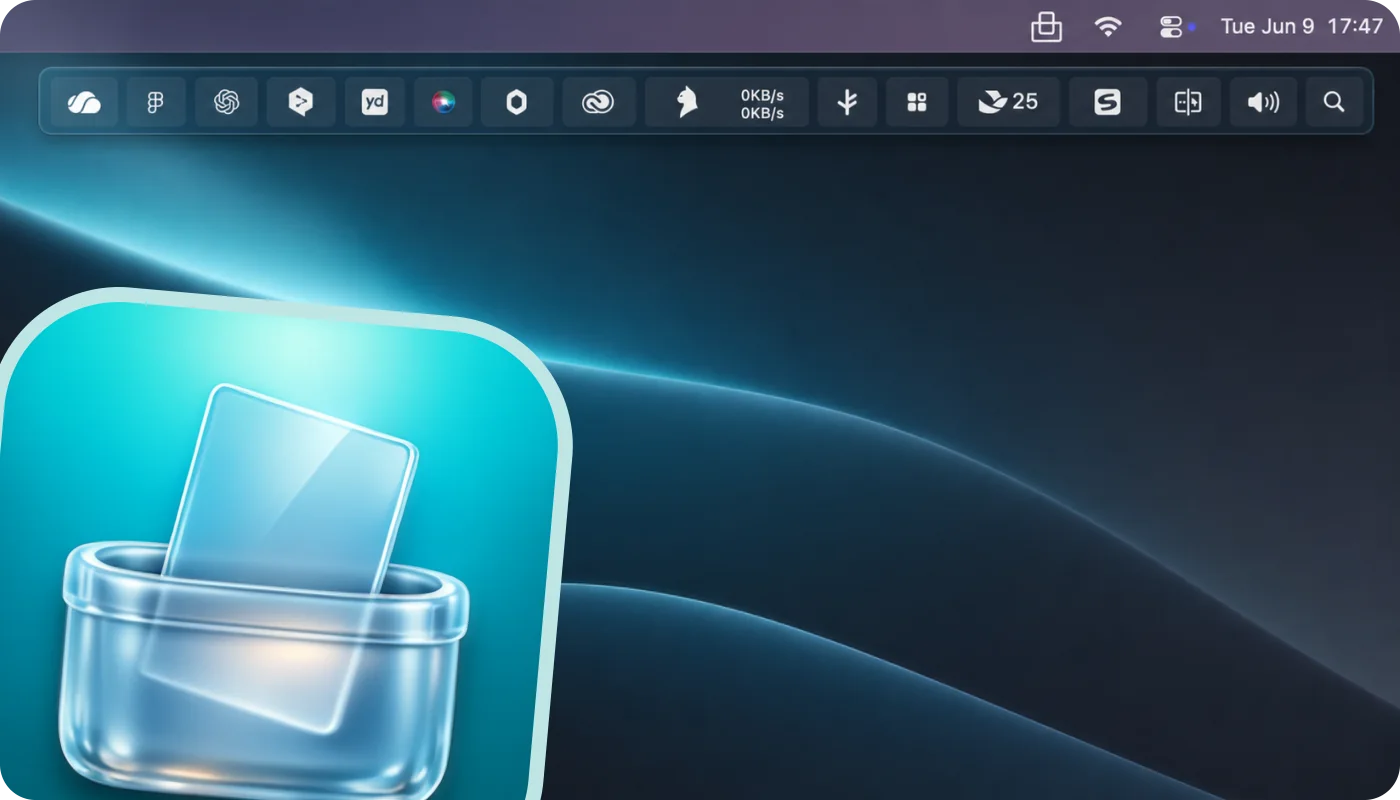
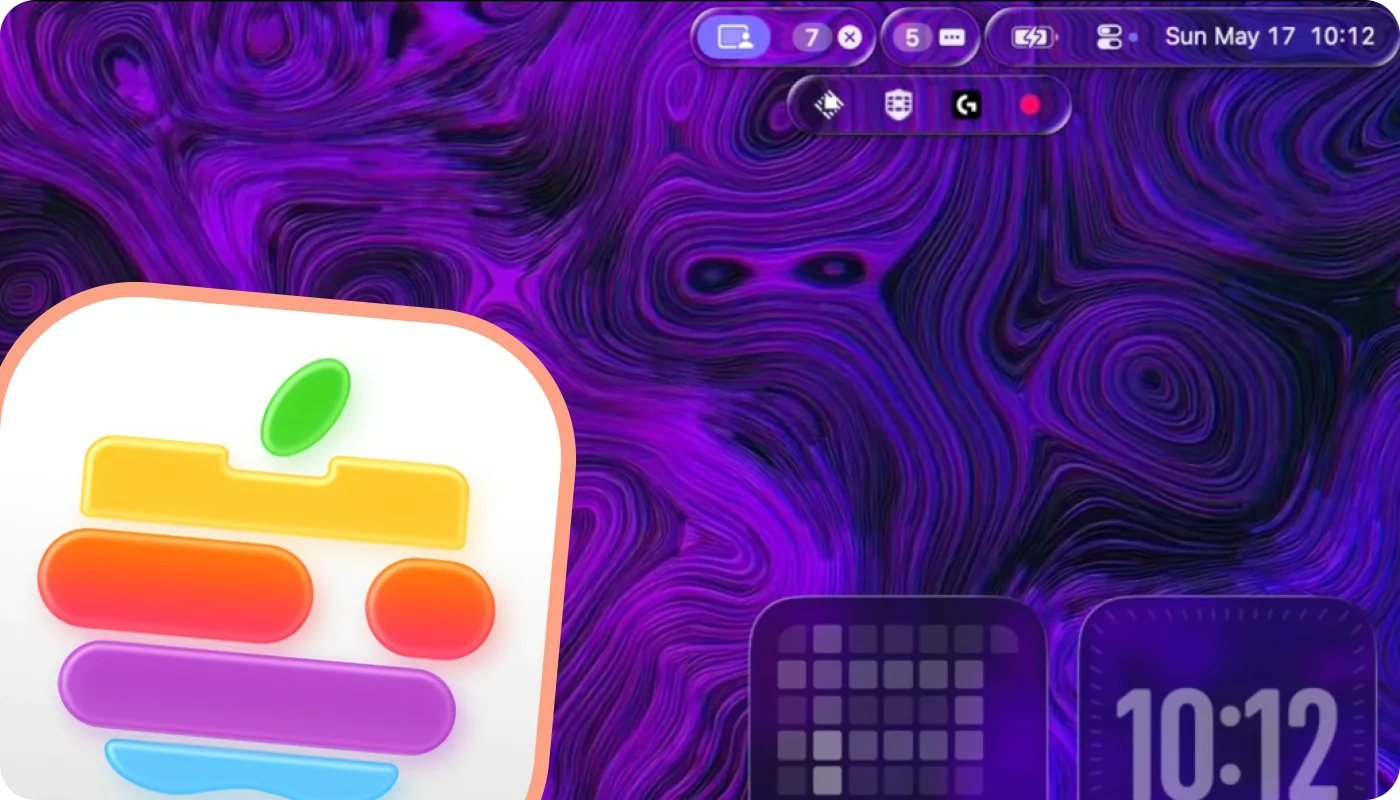
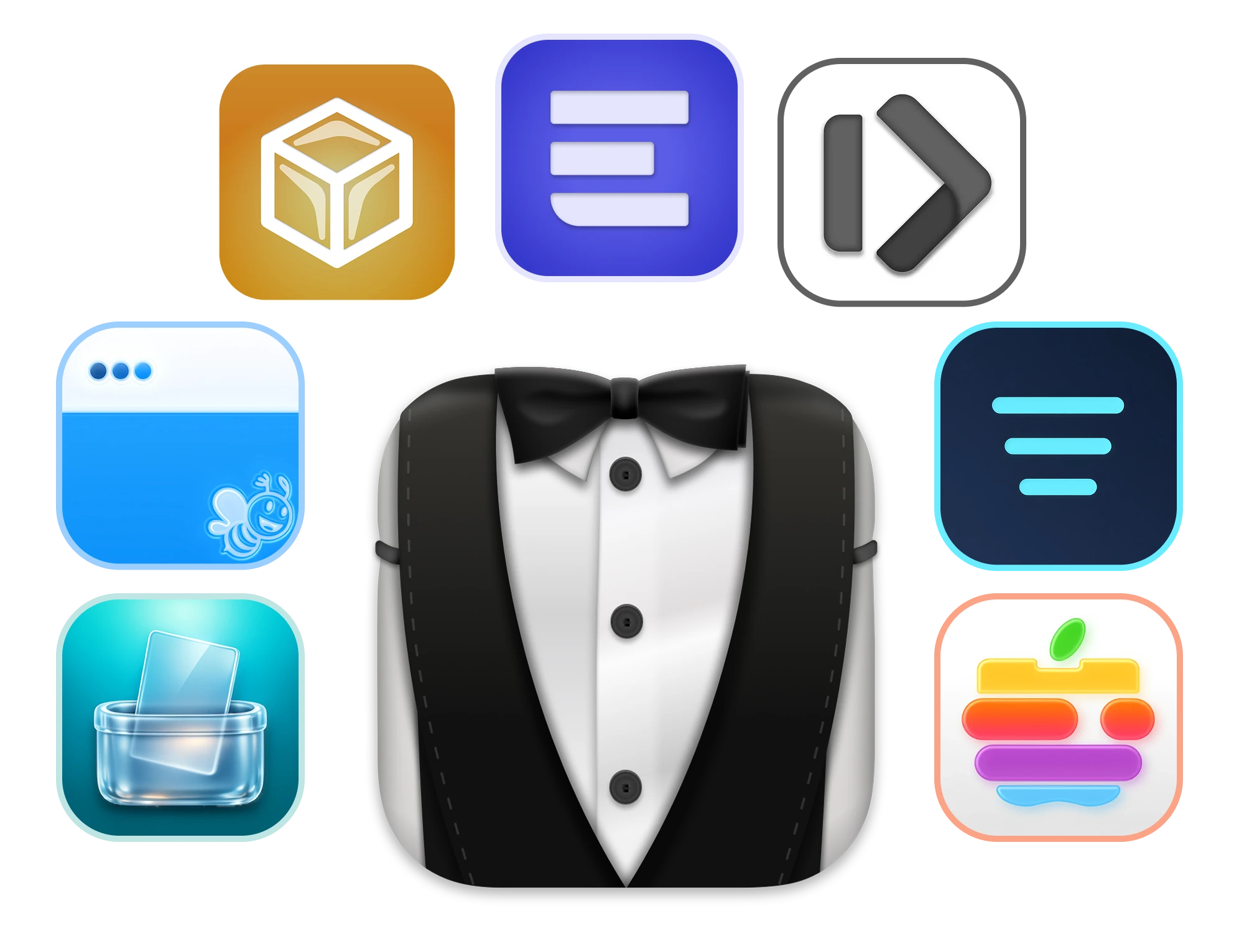
Bartender alternative for Mac showing menu bar tools and an ExtraBar command center

Community-built manager

1.

Thaw

Thaw is the closest direct Bartender alternative in this list. It hides and reveals existing menu bar items, lets you search for an item by name, and can switch layouts based on your display, Space, or Focus mode.

Thaw is the successor to Ice. It is free, open source, and actively developed.

Standout feature:
Profiles, triggers, search, and hotkeys in an actively maintained open-source app.
Price:
Free and open source
Best for:
People who prefer open-source software and community-driven development.
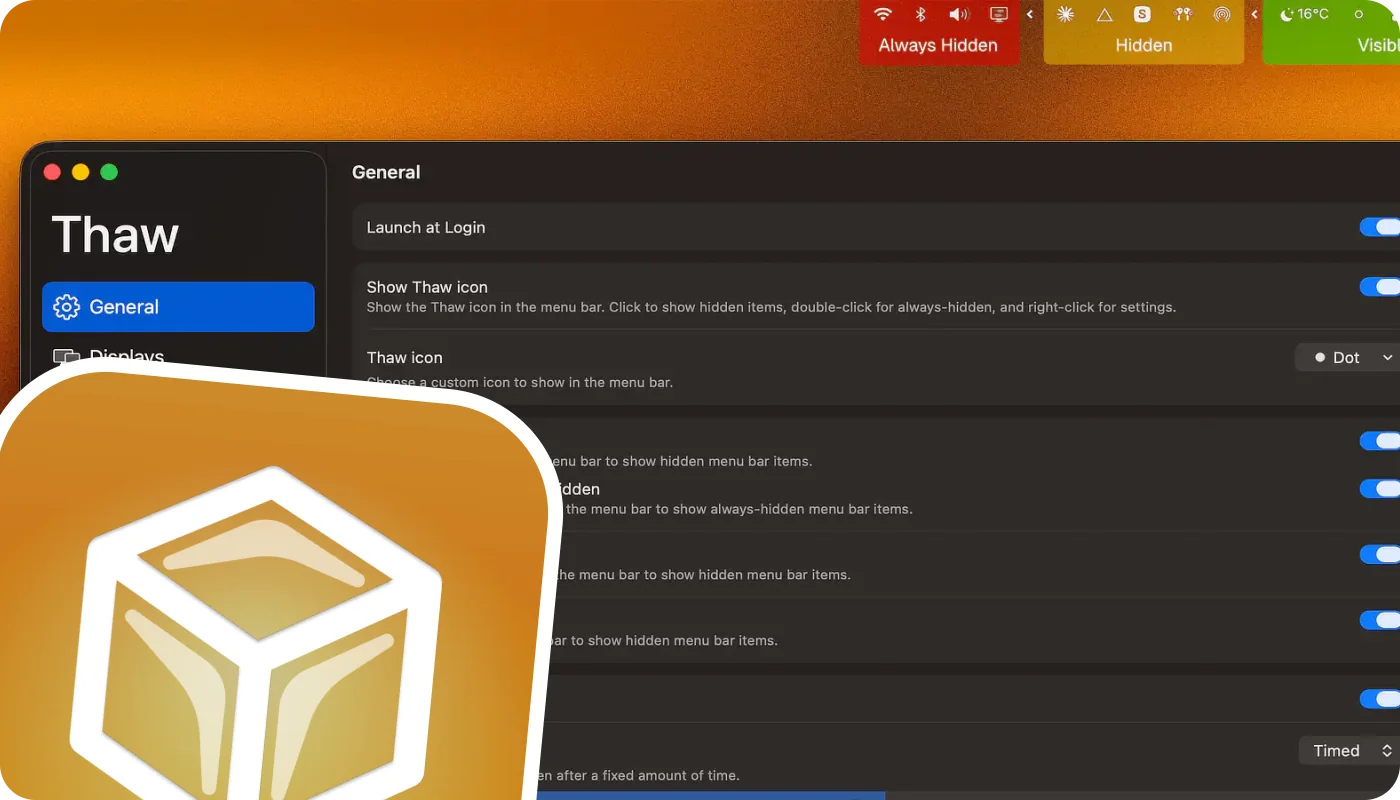
Thaw menu bar manager hiding and revealing Mac menu bar items

Mac App Store manager

2.

Barbee

Barbee follows the familiar menu bar manager model. It can hide and show items, automatically reveal them, add keyboard shortcuts, adjust spacing, and customize how the menu bar looks.

It is easy to install through the Mac App Store. More features are available through its paid tier.

Standout feature:
A traditional Bartender-style toolkit distributed through the Mac App Store.
Price:
Free download with lifetime or yearly upgrades
Best for:
People who want familiar controls and prefer installing from the App Store.
Barbee app for organizing and styling the macOS menu bar

Custom command center

3.

ExtraBar

ExtraBar works differently from Bartender. It does not hide or rearrange existing menu bar items. You turn off the optional app icons you do not need, then rebuild their useful parts inside ExtraBar.

Add the menus and actions you use most. ExtraBar can live in the menu bar, float on your desktop, sit below the notch, or stay hidden until you call it.

Standout feature:
Replace several single-purpose app icons with one command center built around your workflow.
Price:
Permanent license with one year of updates
Best for:
People who want custom actions and fewer app icons, not a direct clone of Bartender.

EXTRABAR MCP

Setup in seconds

You can now automate everything with our MCP.

Minimal open-source manager

4.

Hidden Bar

Hidden Bar is the simplest established option here. You place its divider between the menu bar items you want visible and the ones you want hidden, then use the arrow or a global shortcut to expand and collapse that section.

The project is free and open source. Its main limitation is on notched MacBooks, where hidden icons can still disappear behind the notch.

Standout feature:
A lightweight, familiar hide-and-reveal workflow with very little setup.
Price:
Free and open source
Best for:
People who only need basic icon hiding and prefer a long-established utility.
Hidden Bar hiding Mac menu bar icons behind its divider

Notch-friendly manager

5.

Tuck

Tuck hides menu bar clutter with a simple push-and-reveal workflow. Its Shelf Mode places hidden items in a panel below the menu bar.

The free tier includes manual control, per-icon visibility, a keyboard shortcut, Shelf Mode, and launch at login. Its stable release targets macOS 14 through 26, with macOS 27 handled through a separate preview build for now.

Standout feature:
Shelf Mode gives notch-hidden menu bar items somewhere visible to live.
Price:
Free tier with an optional Pro upgrade
Best for:
People who have not found the right fit among the better-known menu bar managers.
Tuck Shelf Mode showing hidden menu bar items below the Mac menu bar

Get more from your

favorite apps

Raycast

The fastest way to reach what Raycast already made fast

Example actions

Google Quick Translate
1
Decrypt Base64
2
Spotify Volume Control
3
Kill Process
4

The launcher that replaced Spotlight, Raycast is built on speed and extensibility.

Bring your extensions, scripts, and commands to the menu bar.

Deep link into specific Raycast commands like clipboard history, window management, or custom scripts.

Everything Raycast makes possible, accessible before you even think to search for it.

Keyboard Maestro

The command center for every macro you've built

Example actions

Launch Morning Setup
1
Rename Last Screenshot
2
Restart Chosen App
3
Restart KM Engine
4

Mac's ultimate automation engine, built for those who refuse to do things manually.

Your macros don't need to live inside the app anymore.

Deep link into specific macros like morning setups, app restarts, or file renaming scripts.

Your entire automation library, no app launch, no context switch.

Obsidian

Open your vault faster than you can say Zettelkasten

Example actions

Open Daily Note
1
Log Quick Idea
2
Open Weekly Review
3
Search Meeting Notes
4

A favorite among knowledge workers, where notes become a connected graph.

Put your vaults and daily notes where they belong — in your menu bar. Instantly accessible.

Deep link into specific notes, searches, or graph views with a single click.

Your entire knowledge base, without ever leaving what you're working on.

Notion

Deep link into any page without opening Notion first

Example actions

Open Sprint Board
1
Open Company Wiki
2
Open Team Roadmap
3
Add New Task
4

The all-in-one workspace millions rely on, Notion houses docs, databases, and wikis.

Your pages and databases don't need to live behind the sidebar anymore.

Deep link into specific views, boards, or docs without waiting for Notion to load.

Every page you need, instant access, zero friction.

DEVONthink

Jump into any database before DEVONthink even finishes loading

Example actions

Open Research DB
1
Search All Databases
2
Open Client Contracts
3
Run OCR Inbox
4

The document manager built for serious research, handling thousands of files with ease.

Bring your databases and smart groups to the menu bar.

Deep link into specific databases, contracts, or research archives instantly.

Your entire document empire, right where you need it, when you need it.

Fantastical

Go beyond the mini calendar — jump straight into any view

Example actions

Show Today's Events
1
Quick Add Event
2
Open Week View
3
Open Team Calendar
4

The calendar app that set the standard, Fantastical redefined what a calendar app can be.

Put your calendar views and sets where they belong — in your menu bar. Always ready.

Deep link into day, week, or month views — or jump straight to a specific calendar set.

Your entire schedule, faster than opening the app itself.

OmniFocus

All that GTD discipline finally has a shortcut

Example actions

Show Flagged Tasks
1
Open Weekly Review
2
Show Due Today
3
Quick Capture Task
4

The GTD task manager trusted by professionals, OmniFocus is built for serious productivity.

Your perspectives and flagged tasks don't need to live inside the app anymore.

Deep link into custom perspectives, projects, or your weekly review with one click.

Your entire GTD system, without ever leaving what you're working on.

Bear

Bear is simple by design — now access is too

Example actions

Open Pinned Notes
1
Search #work Tag
2
Create New Note
3
Open Dev Snippets
4

A beautifully minimal notes app, Bear keeps your writing clean and organized.

Bring your tags and pinned notes to the menu bar.

Deep link into specific notes, tags, or search results with a single click.

Your entire note library, instant access, zero friction.

Things 3

Things is already delightful — now it's instant

Example actions

Add New To-Do
1
Open Today View
2
Open Work Project
3
Open Someday/Maybe
4

The award-winning task manager, Things 3 is loved for its elegance and simplicity.

Put your Today view and projects where they belong — in your menu bar.

Deep link into specific projects, tags, or views like Upcoming and Someday.

Your perfectly organized tasks, no app launch, no context switch.

Apple Shortcuts

Every shortcut you've built, triggered instantly

Example actions

Start Meeting Focus
1
Text Wife "OMW"
2
Resize for Instagram
3
Split PDF Pages
4

Apple's built-in automation tool, Shortcuts lets you automate tasks across apps.

Your shortcuts don't need to live inside the app anymore.

Deep link into specific shortcuts for focus modes, messaging, image resizing, and more.

Every automation you've created, right where you need it, when you need it.

Figma

Deep link into frames, pages, and projects instantly

Example actions

ExtraBar Marketing Assets
1
ExtraBar Web
2
DockFlow Marketing Assets
3
DockFlow Web
4

The design tool teams build with, Figma powers modern product design.

Bring your files, projects, and frames to the menu bar.

Deep link into specific pages, frames, or projects without opening Figma first.

Your entire design workspace, faster than opening the app itself.

SparkMail

Spark is already smart — now it's even faster to reach

Example actions

Compose New Email
1
Open Work Inbox
2
Open Priority Inbox
3
Search Attachments
4

The email client built for teams and focus, Spark keeps your inbox under control.

Put your inboxes and team folders where they belong — in your menu bar.

Deep link into specific inboxes, folders, or email actions with a single click.

Your email workflow, without ever leaving what you're working on.

Todoist

Quick-add is fast — deep linking is faster

Example actions

Add Quick Task
1
Open Today View
2
Show Priority 1
3
Open Work Project
4

The task manager that works everywhere, Todoist keeps millions organized daily.

Your projects and filters don't need to live inside the app anymore.

Deep link into specific projects, labels, or filtered views with one click.

Your entire task system, instant access, zero friction.

GoodTask

GoodTask made Reminders powerful — ExtraBar makes it instant

Example actions

Show Today's Tasks
1
Open Weekly Kanban
2
Add Quick Reminder
3
Open Board View
4

The power layer on top of Apple Reminders, GoodTask adds smart lists, boards, and more.

Bring your smart lists and board views to the menu bar.

Deep link into specific lists, kanban boards, or custom views with a single click.

Your supercharged task views, no app launch, no context switch.

Drafts

Drafts is where text starts — ExtraBar is where Drafts starts

Example actions

Capture Quick Note
1
Send to Obsidian
2
New Blog Draft
3
Append Daily Log
4

The capture-first text app, Drafts is where every idea begins.

Your actions and workspaces don't need to live inside the app anymore.

Deep link into specific action groups, workspaces, or your most recent drafts instantly.

Your fastest capture tool, right where you need it, when you need it.

Ulysses

The writing app built for focus deserves zero-friction access

Example actions

Open Current Manuscript
1
Create New Sheet
2
Open Blog Drafts
3
Export as PDF
4

The writing app designed for focus, Ulysses is where long-form content comes to life.

Put your manuscripts and sheets where they belong — in your menu bar.

Deep link into specific sheets, groups, or your blog drafts with one click.

Your writing projects, faster than opening the app itself.

Craft

Beautiful documents deserve beautiful access

Example actions

Open Team Space
1
New Meeting Notes
2
Open Design Brief
3
Search All Docs
4

The document app that feels native, Craft brings clarity to team collaboration.

Bring your team spaces and docs to the menu bar.

Deep link into specific spaces, pages, or shared documents with a single click.

Your most important docs, without ever leaving what you're working on.

Zoom

Deep link into any recurring meeting instantly

Example actions

Daily 11AM
1
ExtraBar Team Weekly
2
ExtraDock Marketing Team
3
Quit Zoom
4

The video call app everyone knows, Zoom powers meetings around the world.

Put your recurring meetings and standups where they belong — in your menu bar.

Deep link into specific meeting rooms without searching your inbox or calendar.

Your most important calls, no app launch, no context switch.

1Password

Your most sensitive data deserves the most accessible shortcut

Example actions

Search Vault
1
Copy WiFi Password
2
Open Secure Notes
3
Generate New Password
4

The password manager millions trust, 1Password keeps your digital life secure.

Your vault doesn't need to live behind the browser extension anymore.

Deep link into specific vault items, password generators, or secure notes instantly.

Your entire vault, instant access, zero friction.

Design-led manager

6.

Glow

Glow focuses on the visual side of menu bar management. It combines hiding and item search with flexible layouts, animation, and Liquid Glass styling designed for newer versions of macOS.

The current stable line targets macOS 26+, while macOS 27 support is being developed separately. Glow also relies on private macOS APIs, so its polished presentation comes with a compatibility tradeoff after major system updates.

Standout feature:
The most design-focused option, with layouts and styling that feel built for modern macOS.
Price:
Paid license with free updates
Best for:
People who like the Liquid Glass look.
Glow menu bar manager with Liquid Glass styling on macOS

Profile-based manager

7.

SaneBar

SaneBar is a free, community-maintained project with a surprisingly deep feature set. It includes item search, profiles, smart triggers, Touch ID locking, and per-icon hotkeys.

It requires macOS 14 or newer and currently supports Apple Silicon only.

Standout feature:
Profiles and Touch ID controls for deciding which menu bar items stay visible.
Price:
Free and open source
Best for:
People who want different menu bar layouts and more control over what stays visible.
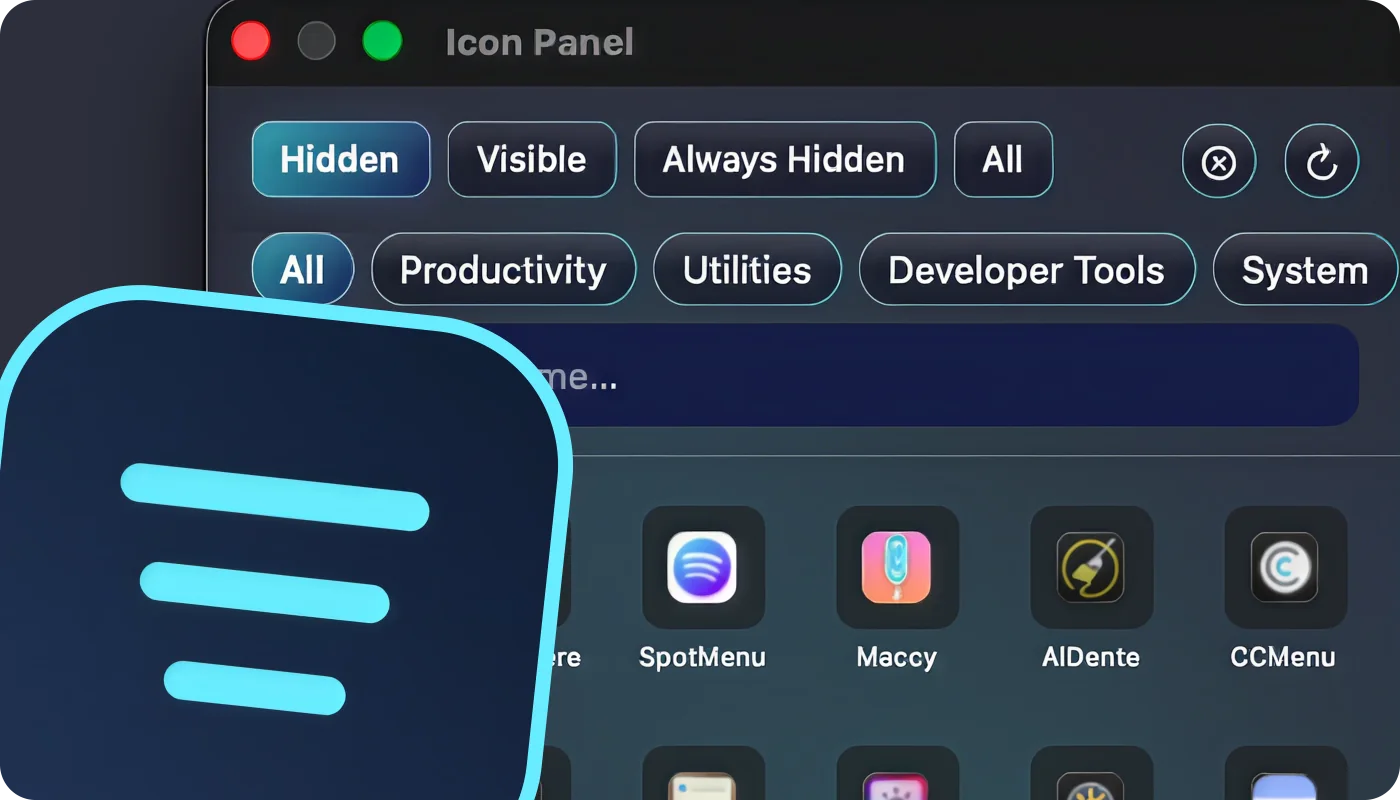
SaneBar Icon Panel for searching and opening hidden Mac menu bar apps

Wall of Love

Don't take our word for it… take theirs.

I've been using ExtraBar for a bit now, fantastic product! It's solved so many of the issues I was having with the regular dock and the additional features are pretty cool. I've submitted a couple bug issues and u/UnluckyDuckyDuck has always been on-top it and has even sent personal betas to me to make the issue is resolved.

Great app! Great Support! Was well worth the money.

That's really awesome! Congratulations on another great app!

I'm absolutely loving some of the updates. Your emails are great because without them I would have missed a few cool things. I have completely reworked my ExtraBar menu. I use the notch layout with icons which are hidden until I hover over the notch. It's great. I sometimes use the new launcher feature which is really useful and looks great.

Mike · ExtraBar user

Love the MCP integration ... makes the app 10x better and easy to use.

I'm so appreciative. I just love the apps you make, they've completely changed the way I use my Mac.

Mike · ExtraBar user

I have found that your program is one of those that I have become dependent upon. Not having it truly caused me sadness, not to mention a disrupted workflow.

David · ExtraBar user

ExtraBar is a compelling new utility designed to reclaim lost productivity by radically reimagining the humble macOS menu bar. Far more than just a notification hub, ExtraBar transforms this often-underutilized space into a fully customizable command center.

Read the full review

Wow this is huge! With one Claude Cowork prompt I had it create an action "Cancel all pending print jobs", and it works perfectly. Thanks for this!

Paul · ExtraBar user

Just got ExtraBar. I now have all three products, and they offer ample options to enhance my workflow.

Steve · ExtraBar user

I post here a few times already, but I really love this app! I put apps that don't fit in my dock, or just place icons to look at them :)

Pay Once. Use Forever.

One Year License

$14.99

Taxes might apply

  • One year access for 1 Mac
  • One year of updates
  • 14-day money-back guarantee
1 Device - $14.99
BLACK FRIDAY - 50% OFF

Lifetime Access

Original price $46.50

$23.25 $23.25

Taxes might apply

per device, Save $23.25

  • Lifetime access for Macs
  • One year of updates
  • 14-day money-back guarantee
1 Device - $23.25
BLACK FRIDAY - 50% OFF

Forever Edition

Original price $115.99

$57.99

Taxes might apply

  • Forever access up to 5 Macs
  • Forever Updates
  • All future app versions
  • 14-day money-back guarantee
5 Devices - $57.99

Standard Lifetime licenses include one year of updates and keep working forever. Renewal is optional at $9.99 per year. Forever Edition includes all future updates for life.

The 4-in-1 productivity bundle

ExtraDock brings your Dock to every display.

DockFlow switches your Dock for every workflow.

Shiori saves all your bookmarks in the menu bar.

Explore the bundle

Black Friday Deal - 50% OFF

Worth separately!

Get all our products!
Bundle price saves you 50%!

Valid for 1 device
Permanent licenses
One year of updates included
One-time payment
Claim Bundle 50% Off Now!
ExtraBar
ExtraDock
DockFlow
Shiori

Common questions

Before you replace Bartender

What is the closest free Bartender alternative for Mac?

Thaw is the closest direct free and open-source replacement in this list. It follows the familiar model of hiding, revealing, searching, and rearranging existing menu bar items.

Can ExtraBar hide or rearrange existing menu bar icons?

No. ExtraBar creates its own customizable bar and menus. It is useful when you can disable optional app icons and replace them with focused actions, but it does not manipulate third-party status items.

Can ExtraBar replace Bartender?

It can replace the outcome for many setups: fewer app icons and faster access to the useful parts. It is not a direct replacement when your main requirement is hiding and rearranging status items that cannot be disabled.

Does ExtraBar work with Raycast or BetterTouchTool?

Yes. ExtraBar can launch Raycast deep links and other URL schemes, keyboard shortcuts, Apple Shortcuts, and scripts, so those tools can keep their own role in the same workflow.

Does ExtraBar require special macOS permissions?

ExtraBar does not require special permissions for its core menu bar customization. A specific action may still prompt for whatever permission macOS requires to perform that action.

Build the menu bar you actually want.

A permanent ExtraBar license includes one year of updates. No subscription.

Try ExtraBar