I've been using ExtraBar for a bit now, fantastic product! It's solved so many of the issues I was having with the regular dock and the additional features are pretty cool. I've submitted a couple bug issues and u/UnluckyDuckyDuck has always been on-top it and has even sent personal betas to me to make the issue is resolved.
Great app! Great Support! Was well worth the money.
Use cases
What You Can Do with ExtraBar
Real Mac menu bar problems, solved. Pick a use case and see exactly how ExtraBar handles it.

Menu Bar Icons Hidden Behind the Notch
Your menu bar icons keep vanishing behind the MacBook notch. Here is why it happens and how to keep them in reach.
Read the guide
Your Raycast Command Center
You've installed dozens of Raycast extensions and forgotten most of them. Put the actions you actually use in your menu bar, one click away.
Read the guide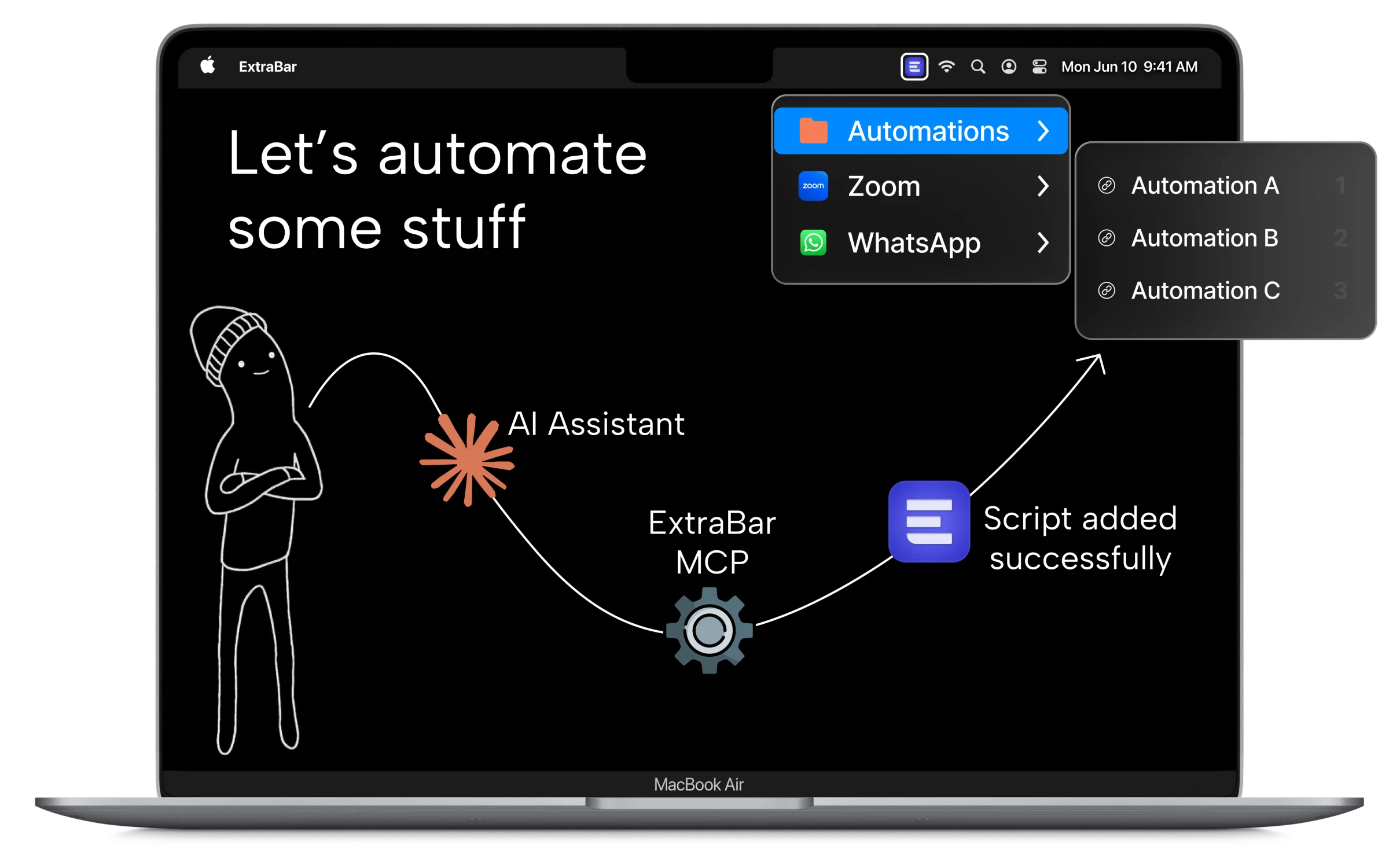
Mac Workflow Automation
You spent forty-five minutes automating eight seconds, then lost the automation. Put scripts, API calls and Shortcuts in the menu bar and let AI build them over MCP.
Read the guideWall of Love
Don't take our word for it… take theirs.
Pay Once. Use Forever.
One Year License
$14.99
Taxes might apply
- One year access for 1 Mac
- One year of updates
- 14-day money-back guarantee
BLACK FRIDAY - 50% OFF
Lifetime Access
Original price
$46.50
$23.25 $23.25
Taxes might apply
per device, Save $23.25
- Lifetime access for Macs
- One year of updates
- 14-day money-back guarantee
BLACK FRIDAY - 50% OFF
Forever Edition
Original price
$115.99
$57.99
Taxes might apply
- Forever access up to 5 Macs
- Forever Updates
- All future app versions
- 14-day money-back guarantee
Standard Lifetime licenses include one year of updates and keep working forever.
Renewal is optional at $9.99 per year. Forever Edition includes all future updates for life.


The 4-in-1 productivity bundle
ExtraDock brings your Dock to every display.
DockFlow switches your Dock for every workflow.
Shiori saves all your bookmarks in the menu bar.
Black Friday Deal - 50% OFF
Claim Bundle 50% Off Now!



Worth separately!
Get all our products!
Bundle price saves you 50%!
Valid for 1 device
Permanent licenses
One year of updates included
One-time payment

See a use case that fits? We got you.
Don't hesitate, we have a 14-day money-back guarantee.
Buy now
