Use case
Mac Workflow Automation
Workflow automation is replacing a sequence you repeat by hand with an automation your Mac runs for you.
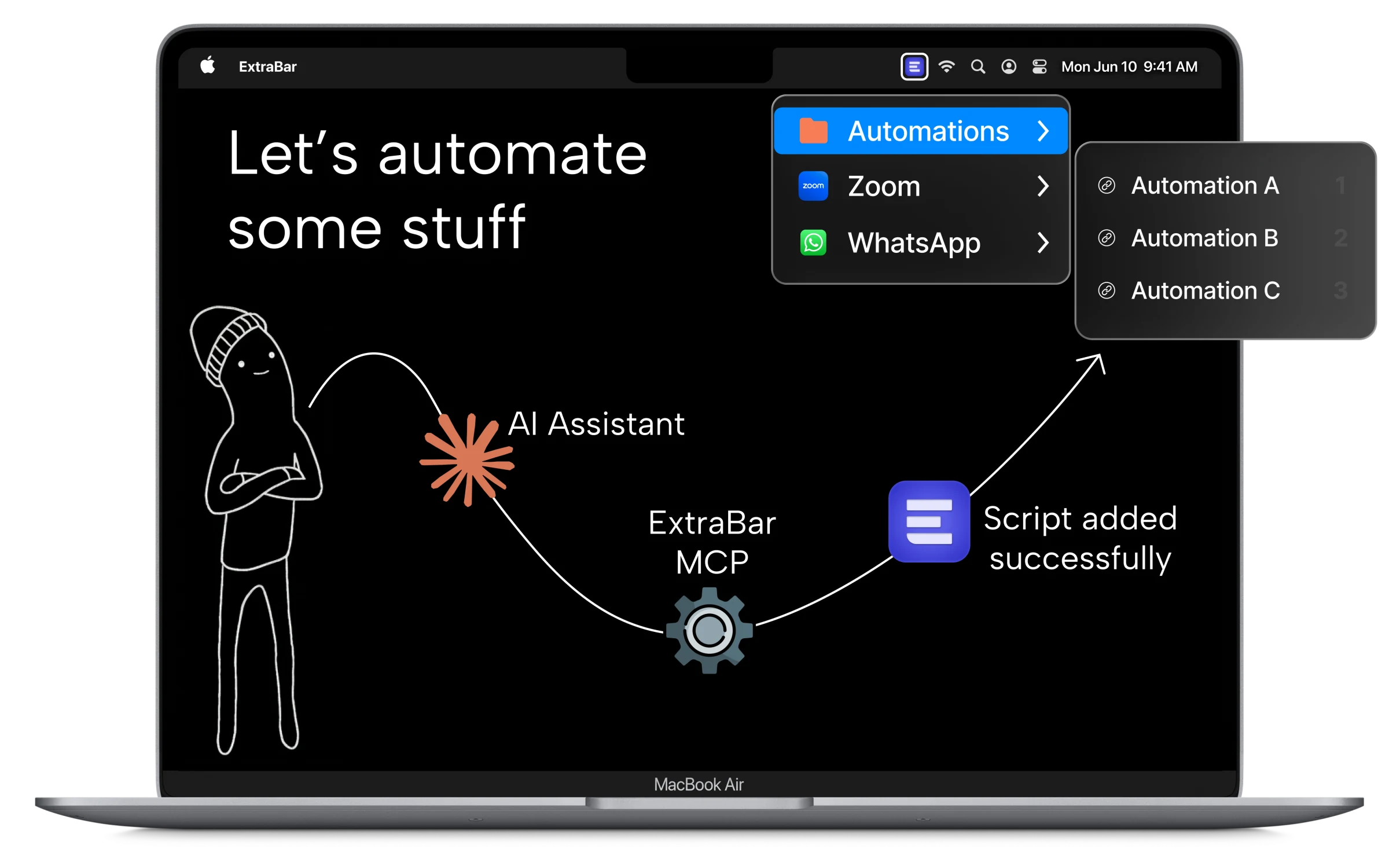
ExtraBar has an MCP server, so you describe the automation you want, your AI assistant builds it, and the button appears in your menu bar.
If you're clicking it, it could be automated.
30-day money-back guarantee
Hidden power
The power of AppleScript
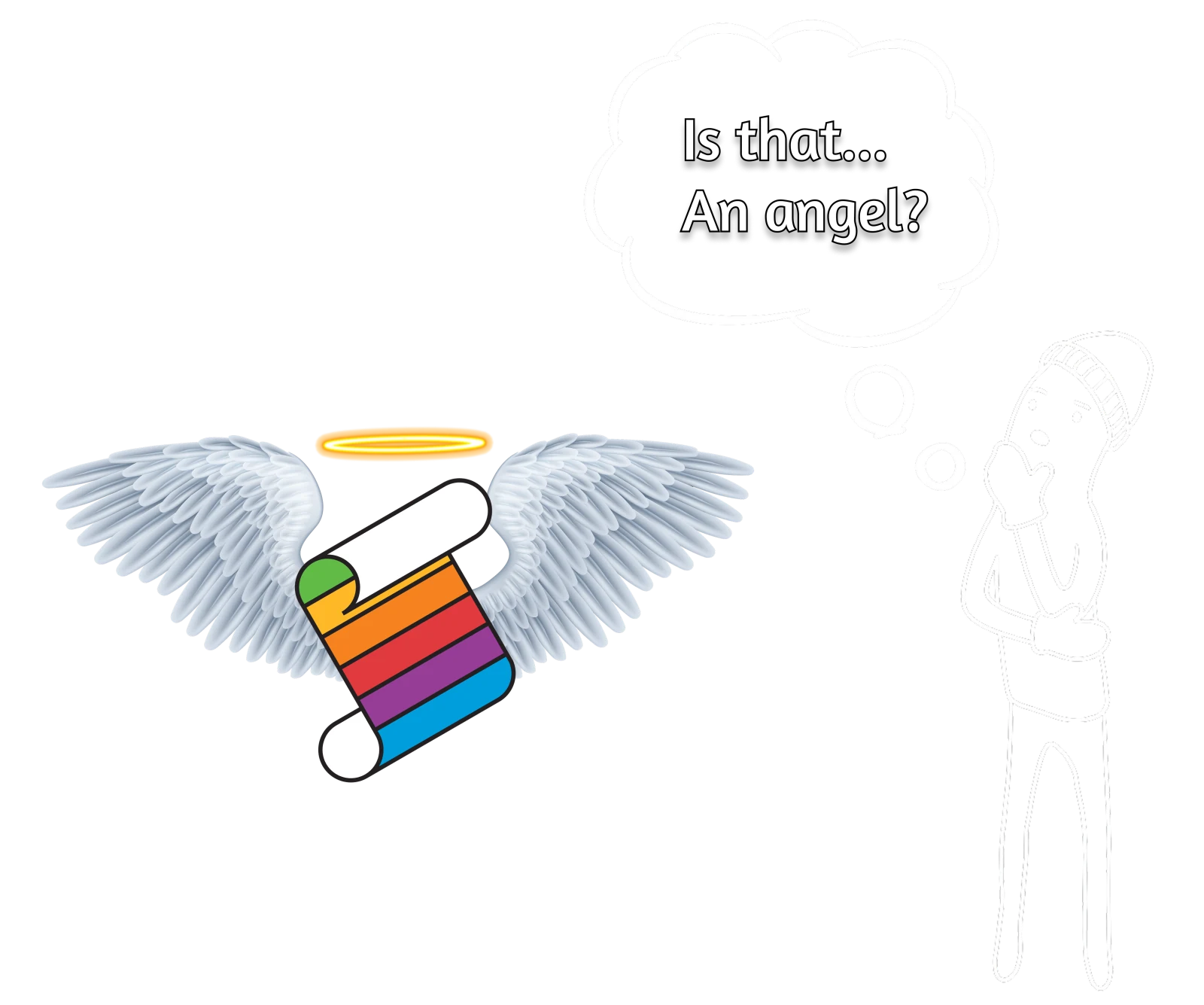
AppleScript has been on the Mac since 1993, which makes it older than macOS and older than nearly every app you run.
It can tell a scriptable app to do almost anything: pull today's unread mail, eject every disk, rename a hundred files. And when an app offers no hooks at all, it reaches into the interface and clicks the buttons itself.
Anything you can do by hand can be automated with AppleScript, directly into ExtraBar.
The entrance exam
You do not have to be a power user
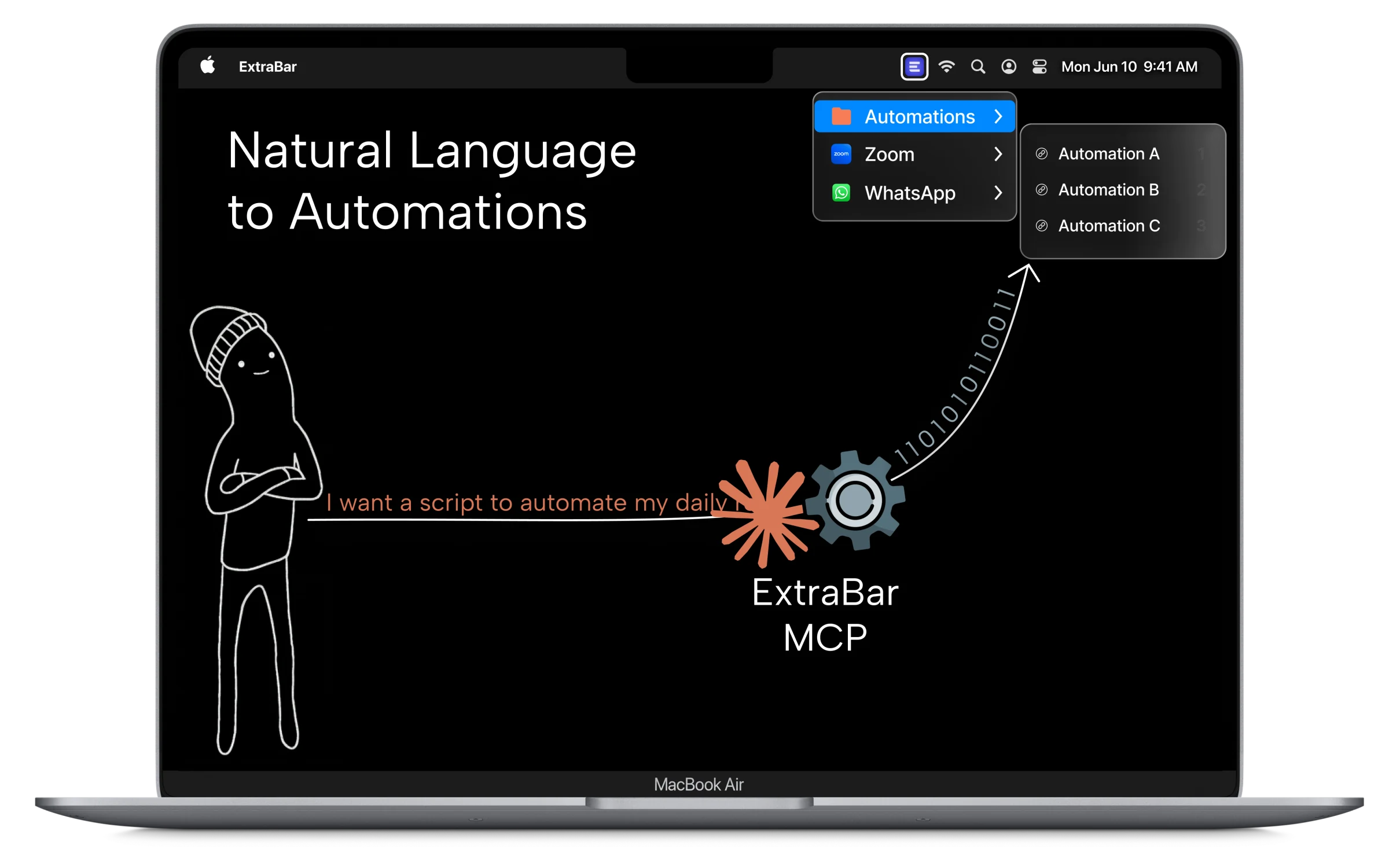
In the past, automation was reserved for people who knew how to write code. With AI, those days are gone. If you can find the words to explain what you want, AI can create it.
You do not need to touch the Terminal, have coding knowledge, learn AppleScript, or edit a config file by hand.
Automating your workflow has never been easier. Script it, tell your AI to add the deep links and actions, and it lives one hotkey away.
One prompt, many languages
Your AI writes the right script for the job

AppleScript
Controlling Mac apps and interacting with their interfaces.

Shell
System tasks, processes, services and command-line tools.

Python
Processing data, files and repeatable batches.

Node
Web APIs, browser automation and JavaScript tooling.

Ruby
Rails workflows, deployments and application maintenance.

Lua
Embedded scripting, tool configuration and lightweight automation.
Beyond scripts
ExtraBar supports more than scripts
It can make API calls, run macOS Shortcuts, trigger keyboard shortcuts and open deep links.
With the ExtraBar MCP, your AI builds those actions for you.
Reviewed by a Mac app expert
“ExtraBar is the app of my dreams.”
“ExtraBar is one of those apps that solves a problem I didn't realize I had.”

Pay Once. Use Forever.
Don't hesitate, we have a 30-day money-back guarantee.

Taxes might apply
- Full access to all features
- All future updates
- 30-day money-back guarantee


The 3-in-1 productivity bundle
Worth separately!
Get All our products!
Bundle price saves you
Multiple licenses
Let's Talk
Get All our products!
Upgrade your team workflow


Any Questions?
Menu bar managers help you organize existing icons. ExtraBar lets you build a fully customizable bar with your own shortcuts, deep links, and actions - things that don't exist in your menu bar today.
Instead of opening Zoom and finding your meeting, one click takes you directly there. Same for Slack channels, Spotify, and apps like Raycast, BetterTouchTool, Things 3 and more which support Deep links.
If you try it out, and it doesn't fit your workflow, you will get a full refund, no questions asked.
There's no analytics, no telemetry, no data collection. Your configuration stays on your Mac. The only time ExtraBar requires internet connection is during license activation.
You own your data. Nothing is stored in the cloud. You can back it up, move it, or delete it anytime.
You can save your setup to a file and load it on another Mac.


