Mac automation

Automator Alternative

ExtraBar is an Automator alternative for actions you launch yourself. Put scripts, Shortcuts, API calls, keyboard commands and deep links in your menu bar, then run them with one click.

Automator creates workflows. ExtraBar makes automations accessible. It does not replace every Automator workflow.

Buy now

30-day money-back guarantee

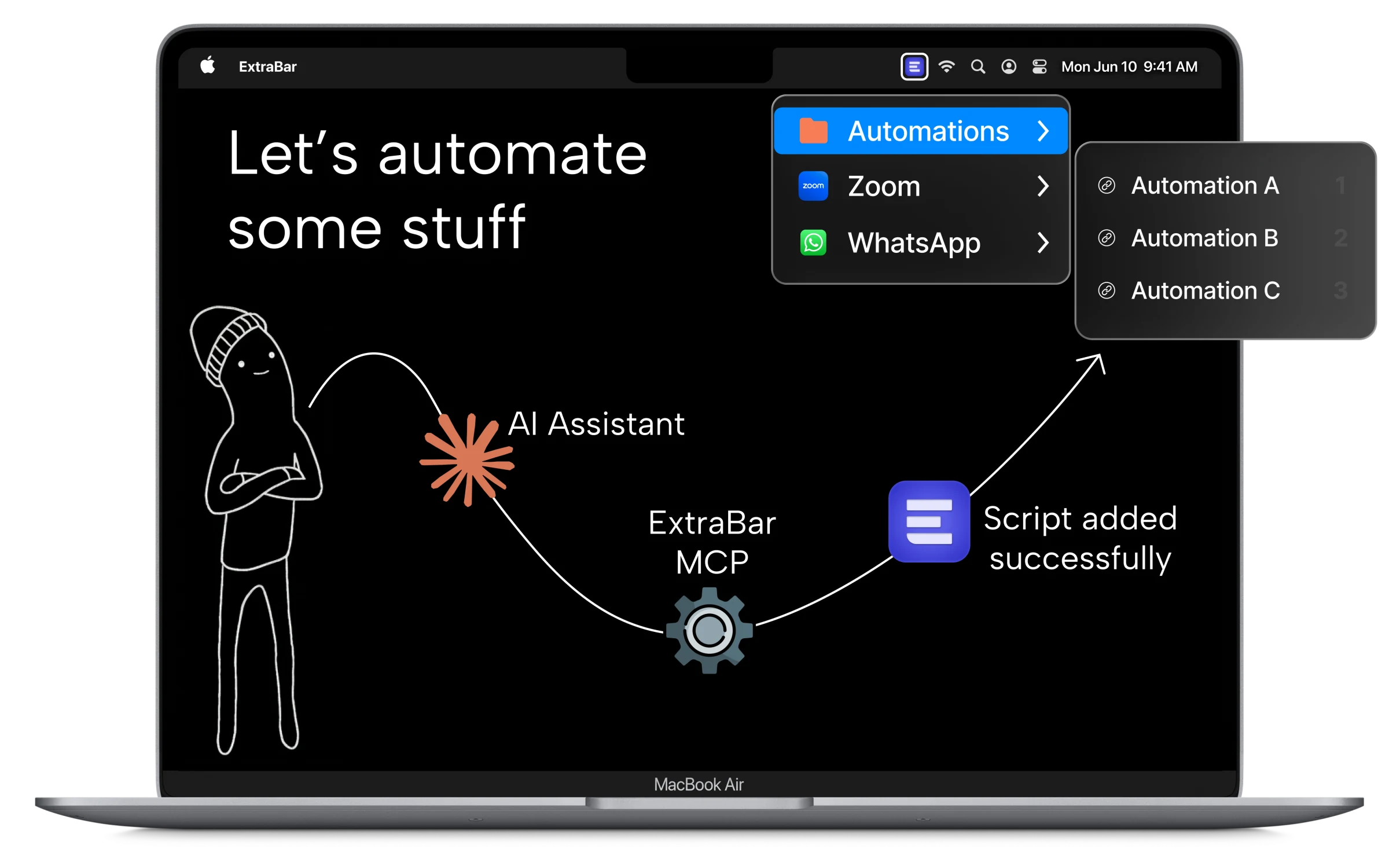
An Automator alternative turning a requested Mac automation into a visible ExtraBar menu item

Automator today

Automator is still here

Automator still ships with macOS. Apple maintains a user guide for macOS Tahoe that covers workflows, variables, loops and scripts.

Apple has moved Mac automation toward Shortcuts, and most Automator workflows can be converted.

ExtraBar puts those Shortcuts in your menu bar alongside AppleScript, shell scripts, Python, Node, Ruby and Lua. Run any of them with one click or a single hotkey.

Read Apple’s current Automator guide
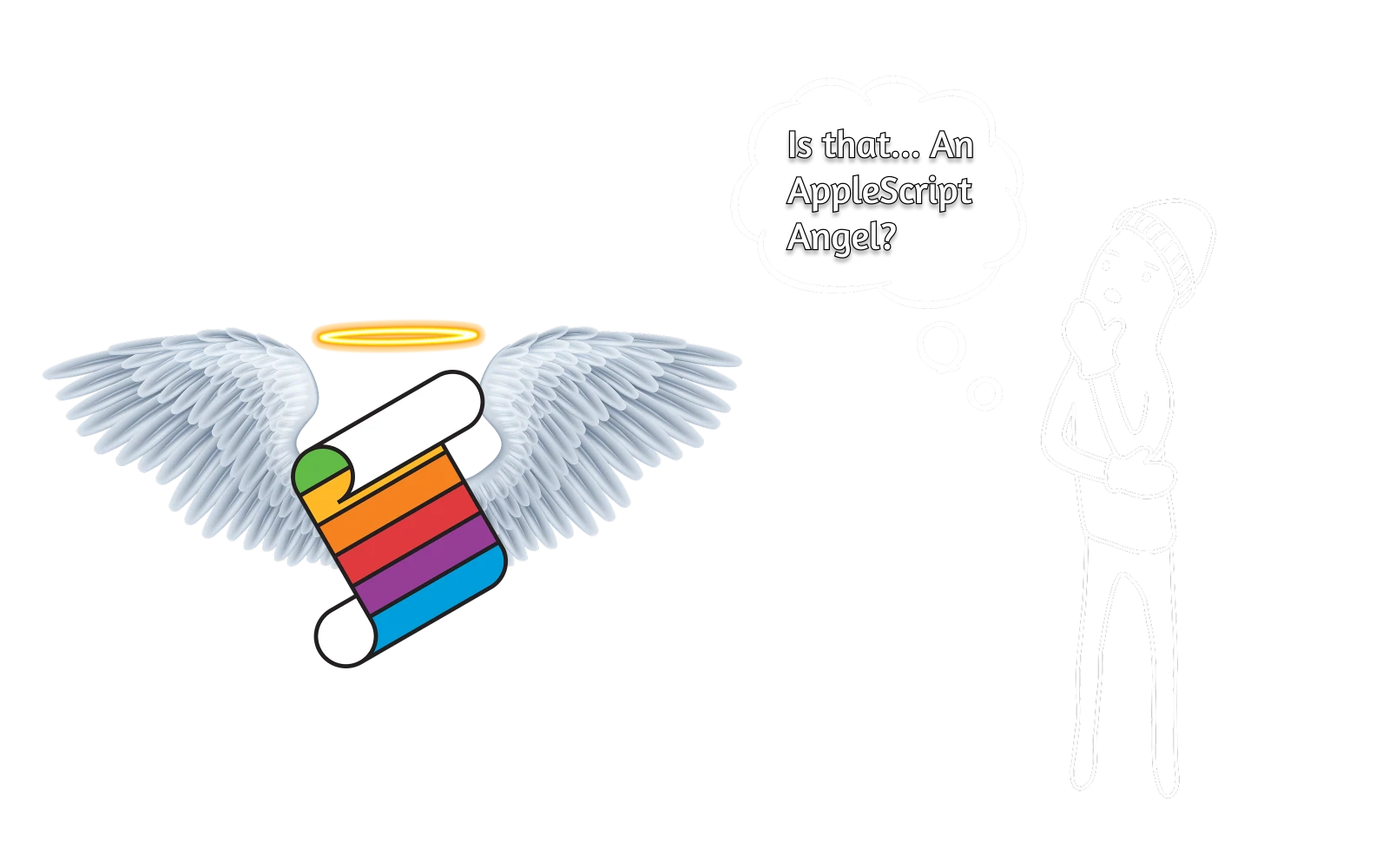
The AppleScript icon beside an ExtraBar character, representing a long-standing Mac automation workflow

How they differ

Automator creates workflows. ExtraBar lets AI build the action.

Automator is a visual builder for chaining actions. ExtraBar gives finished actions a permanent place in your menu bar.

ExtraBar is an Automator alternative for scripts, Shortcuts, API calls, keyboard commands and deep links you launch yourself. Automator still makes more sense for some background tasks and longer workflows.

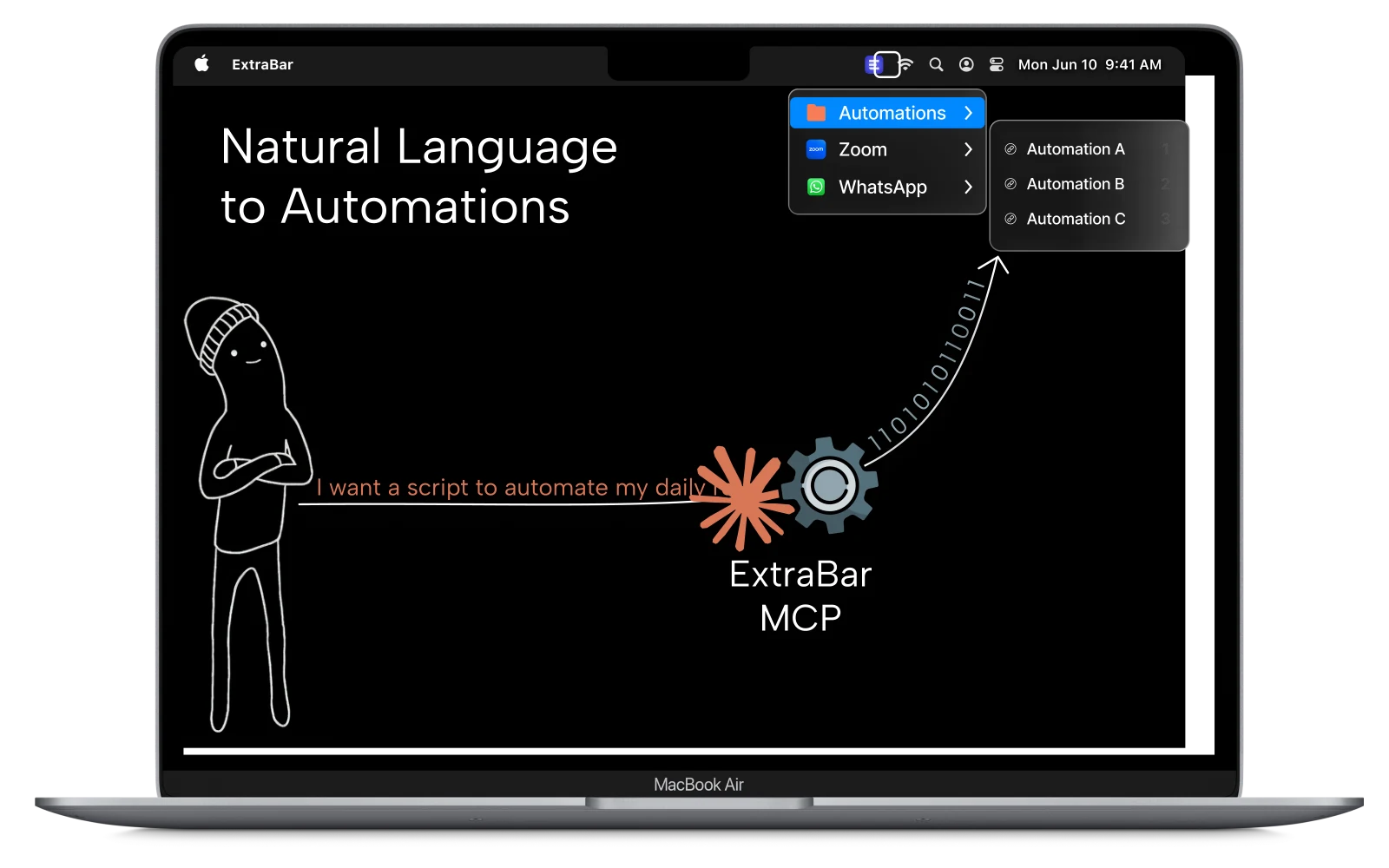
A plain-English automation request becoming organized actions in the ExtraBar menu bar

Beyond Automator

Automator is only one piece.

If you use Automator, you probably care about moving faster on your Mac. That is how Raycast, Keyboard Maestro and BetterTouchTool often end up in the same setup.

ExtraBar fits into your automation stack. Keep the Automator workflows that still work, and put your most-used Raycast commands, Keyboard Maestro macros and BetterTouchTool actions in the menu bar.

Explore Mac workflow automation
Raycast and ExtraBar fitting together as two pieces of a larger Mac automation setup

EXTRABAR MCP

Setup in seconds

You can now automate everything with our MCP.

Automator & ExtraBar

Capability Automator ExtraBar
Build multi-step workflows visually Supported by Automator Not built into ExtraBar
Run when files enter a folder Supported by Automator Not built into ExtraBar
Run AppleScript and shell scripts Supported by Automator Supported by ExtraBar
Launch an action with a keyboard shortcut Supported by Automator Supported by ExtraBar
Keep actions visible in the menu bar Not built into Automator Supported by ExtraBar
Run Apple Shortcuts from the menu bar Not built into Automator Supported by ExtraBar
Build an action with AI through ExtraBar MCP Not built into Automator Supported by ExtraBar

Pay Once. Use Forever.

Don't hesitate, we have a 30-day money-back guarantee.

The 3-in-1 productivity bundle

ExtraDock brings your Dock to every display.

DockFlow switches your Dock for every workflow.

Explore the bundle

Worth separately!

Get All our products!

Bundle price saves you

Valid for
Lifetime licenses
All future updates included
One-time payment
Claim bundle offer!

Multiple licenses

Let's Talk

Get All our products!

Upgrade your team workflow

Premium support
Licenses management tools
Assign license by email
All future updates included
Talk with us!
ExtraBar
ExtraDock
DockFlow

Any Questions?

Those apps hide menu bar icons. ExtraBar lets you create custom actions, and add them to the menu bar.

Menu bar managers help you organize existing icons. ExtraBar lets you build a fully customizable bar with your own shortcuts, deep links, and actions - things that don't exist in your menu bar today.
Deep links let you skip navigation and jump straight into specific content.

Instead of opening Zoom and finding your meeting, one click takes you directly there. Same for Slack channels, Spotify, and apps like Raycast, BetterTouchTool, Things 3 and more which support Deep links.
ExtraBar does not have a free trial, but we offer a 30-day money-back guarantee.

If you try it out, and it doesn't fit your workflow, you will get a full refund, no questions asked.
ExtraBar supports macOS 12.4 and later, including macOS 26 (Tahoe).
No. ExtraBar works entirely offline.

There's no analytics, no telemetry, no data collection. Your configuration stays on your Mac. The only time ExtraBar requires internet connection is during license activation.
Your configuration is stored locally in your Mac's Application folder.

You own your data. Nothing is stored in the cloud. You can back it up, move it, or delete it anytime.
ExtraBar supports export and import of your configuration.

You can save your setup to a file and load it on another Mac.

Put your automations where you can see them.

Don't hesitate, we have a 30-day money-back guarantee.

Buy now